Start by identifying your lock
The card follows the lock, never the other way around. Before you can order a single card you need three facts about your door hardware: the make, the model or series, and whether it reads contactless RFID or a magnetic stripe. Most of this is printed or embossed somewhere you can reach without tools.
Look first at the lock face (the metal plate on the door) for a maker's mark. Then open your property-management or lock-management software — the encoder application that issues keys at the front desk almost always names the platform on screen. A spare lock, an installation manual, or your last invoice from the integrator will confirm the model. If a card is swiped into a slot, you are on magnetic stripe; if it is tapped flat against a target on the lock, you are on RFID.
- Maker's mark on the door face or the lock body
- Platform name in your front-desk encoder / PMS software
- Model or series on the lock manual, spare unit or integrator invoice
- Read method: swipe-in-slot (magstripe) vs tap-on-target (RFID/contactless)
- Any text on the back of an existing card ("13.56 MHz", "AES", "1K")
Match your lock to its card technology
Once you know how your lock behaves, this table maps the common signs to the card technology behind them. Treat it as a starting point: older locks often read a standard 13.56 MHz smart card while the current generation reads an encrypted, AES-protected card, so the model year matters as much as the hardware on the door.
A crucial accuracy note: modern encrypted platforms cannot be cloned from a guest card. They write a secured, system-specific credential that only your own encoder can produce. That is a security feature, not a limitation — and it is exactly why you order compatible blank cards and encode them yourself.
| How to identify it | Common technology | Typical card to order |
|---|---|---|
| Guest taps the card flat against the lock | Contactless RFID at 13.56 MHz | Standard or encrypted 13.56 MHz smart card |
| Guest swipes the card through a slot | Magnetic stripe (legacy) | HiCo magnetic-stripe card |
| Older contactless lock, installed years ago | Usually a standard 13.56 MHz smart card | Standard 13.56 MHz smart card (1K or 4K) |
| Current-generation encrypted lock | Encrypted 13.56 MHz smart card (AES) | Encrypted 13.56 MHz smart card |
| Lock that also accepts a phone as a key | RFID at 13.56 MHz plus NFC / mobile | Encrypted smart card, NFC / mobile-ready |
| "1K" or "4K" printed on an existing card | Standard 13.56 MHz smart card | Match the same standard 1K or 4K card |
Blank vs pre-encoded: which to order
A "blank" card is a finished, printed card with the correct chip but no access data written to it yet. Your front desk encodes each one at check-in on your own lock and PMS system. This is the most secure path and the one we recommend for almost every property: the guest credential is created by your software, never copied from another card, and it inherits your system's encryption automatically.
A "pre-encoded" card arrives already programmed to a profile you provide — useful for staged openings, test batches, or multi-property rollouts where a central team writes credentials before distribution. The chip is the same; only the timing of when the data is written changes. With encrypted platforms, even a pre-encoded card is written using your own secure keys, so it remains uncloneable.
- Blank: encode at the desk on your system — most secure, our default recommendation
- Pre-encoded: programmed to your profile before shipping — for staged openings and rollouts
- Either way the chip is identical; only the timing of encoding differs
- Encrypted systems write secure, system-specific data that cannot be duplicated
How American Hotel Cards matches your card
You do not need to become an RFID engineer to order correctly. Send us your lock make and model — or just a photo of the lock and the name in your front-desk software — and we confirm the exact inlay your readers expect. If you are unsure whether your lock fleet is the older standard-card generation or the newer encrypted-card generation, a single test card resolves it before you commit to a full run.
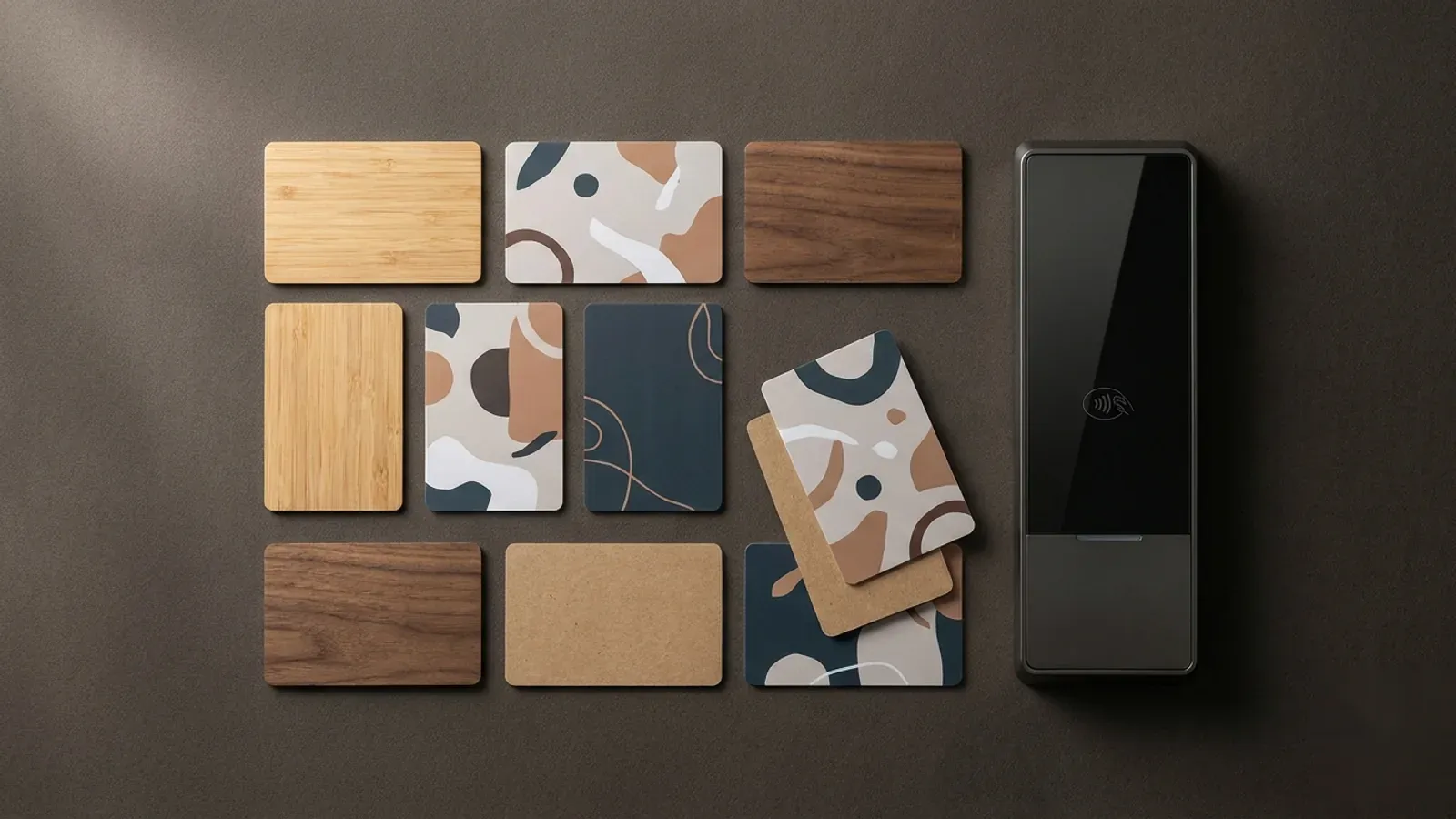
From there, you choose the material (standard PVC or a sustainable wood, bamboo or recycled core), the print, and whether to receive cards blank or pre-encoded. Every credential ships in CR80 format on 13.56 MHz, so it drops into the readers and card printers you already own.